Your account, your first page and your team. Start here if you are new to NoteMaker.
In this section
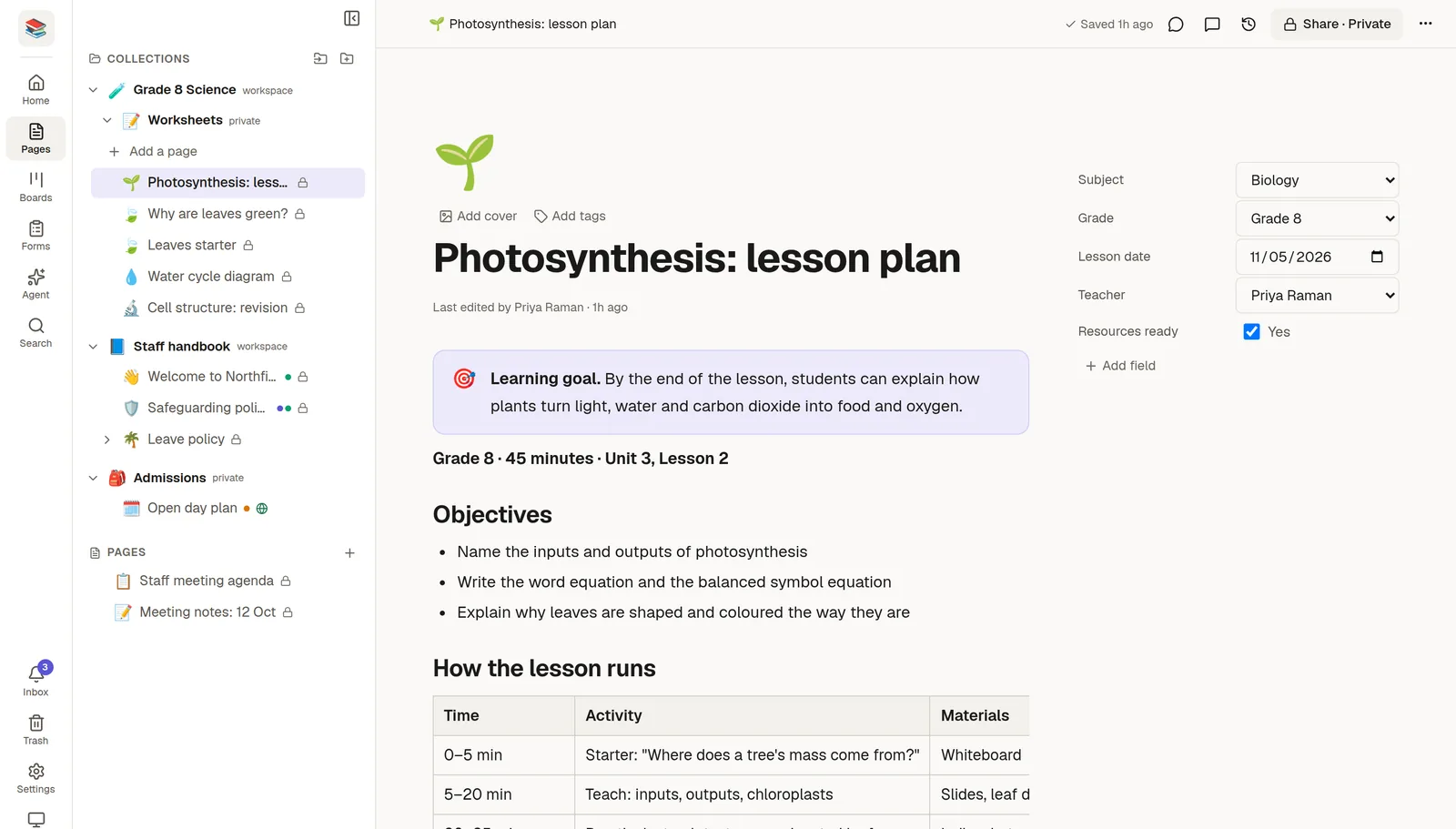
👋 Welcome to NoteMaker: where everything is on the screen.
🏠 Create your account and workspace: sign up, start a trial and create a workspace.
📝 Write your first page: create a page and start writing.
👥 Invite your team: add people and choose their role.
🔎 Find anything with search: search pages, boards, forms and sheets, and run commands.
📱 Use NoteMaker on your phone: install the app and find your way around a small screen.
🔐 Your account and security: your profile, password, sign-in methods and two-factor.
Call NoteMaker from code
Everything you do in NoteMaker is also available to your own scripts and to AI tools. Create a token in Settings → MCP & API, then make your first call:
export NOTEMAKER_URL="https://app.thenotemaker.com/api/mcp/your-workspace"
export NOTEMAKER_TOKEN="nm_YOUR_TOKEN"

curl -s -X POST "$NOTEMAKER_URL" \
  -H "Authorization: Bearer $NOTEMAKER_TOKEN" \
  -H "Content-Type: application/json" \
  -H "Accept: application/json, text/event-stream" \
  -d '{"jsonrpc":"2.0","id":1,"method":"tools/call","params":{"name":"workspace","arguments":{"action":"get"}}}'
The answer starts with your workspace's name, your role and a list of its collections and forms. The ⚡ API quickstart continues from here with creating a page, and with JavaScript and Python versions.