Keep responses in a table, or turn each one into a card on a board. Both are on the form's Settings tab.
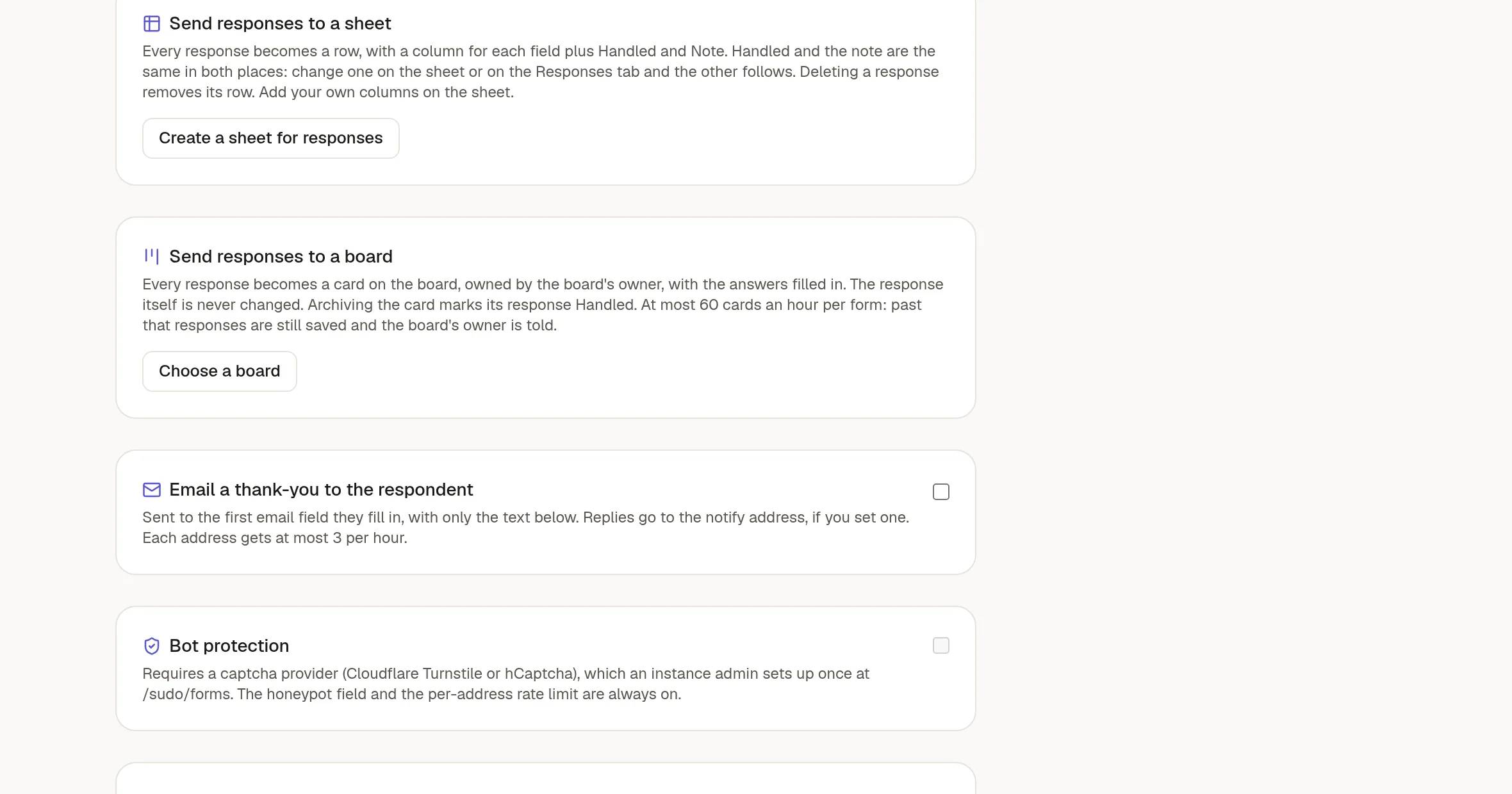
Send responses to a sheet
Click Create a sheet for responses. NoteMaker makes a sheet with one column for each field of the form, and adds a row for every new response.
Two extra columns, Handled and Note, stay in step with the Responses tab. Tick one in either place and the other follows.
A file answer appears as a link to the file, which members can open.
If you add fields to the form later, click Add missing columns.
Unlink stops new rows but keeps the ones already there.
This works on every plan.
Send responses to a board
Click Choose a board. You can pick any board you can edit. Then set:
The state new cards start in.
The card title. Beside the field you want as the title, choose Card title in the list below. A Subject field is a good choice. Or write a pattern with field labels in curly braces, such as
{Name} applies for {Position}. If you do nothing, NoteMaker prefers a Subject or Title field over the first short text, so support cards are not named after the sender.Which answer goes in which card field. NoteMaker fills this in by name and type. Each card field can be used once.
A page template for the card body, if you want one.
People to notify when a card arrives. Only people who can open the board are kept.
Every response then becomes a card, owned by the board's owner, in that state. Answers you did not map are listed under Answers in the card.
Files go to a File field
A form's File upload field maps to a File field on the card, one to one. Add a File field to the board (see 🎛️ Board settings: states and fields), then choose it beside the upload field in the mapping list. The card gets its own copy of the file, so you can open it from the card, and it stays on the card even if the response is deleted later.
If a form has two upload fields, map each to its own card field. A file that you did not map is listed under Answers as a link that only members can open.
What a visitor types is always plain text. A link, an image or an @mention in an answer stays as typed and does not become live.
Good to know
At most 60 cards an hour are created per form. Past that, responses are still saved and the board's owner is told.
Archiving a card marks its response Handled.
Earlier responses do not become cards, and cards made before File fields existed keep their attachment as a link in the description. Only new responses get the file on the card's File field.
Disconnect keeps the cards already made. Deleting the board disconnects the form by itself.
You need to manage the form and be able to edit the board.